Desktop App • Windows & Mac

The complete editorial studio. On your PC. With your AI.

Create, illustrate, lay out and publish complete books for Amazon KDP. More than 10 integrated modules, one-time purchase, your privacy protected. Everything you used to need in 8 different tools — now in a single app.

Version 0.10.0 • Actively developed • Free updates

BYOK · Bring Your Own Key

You choose which AI to use

EpigraphIA doesn't include AI models, and doesn't charge for usage. Connect one, two, or all the APIs you prefer — use the ones you already pay for, and if you don't use one, simply don't connect it. You pay each provider directly only for what you consume. Zero markup, zero subscription fees, zero middlemen.

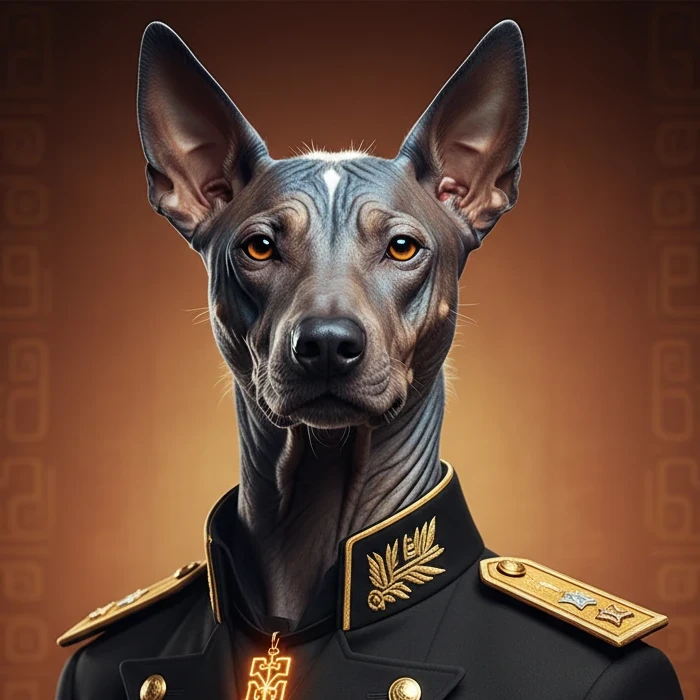
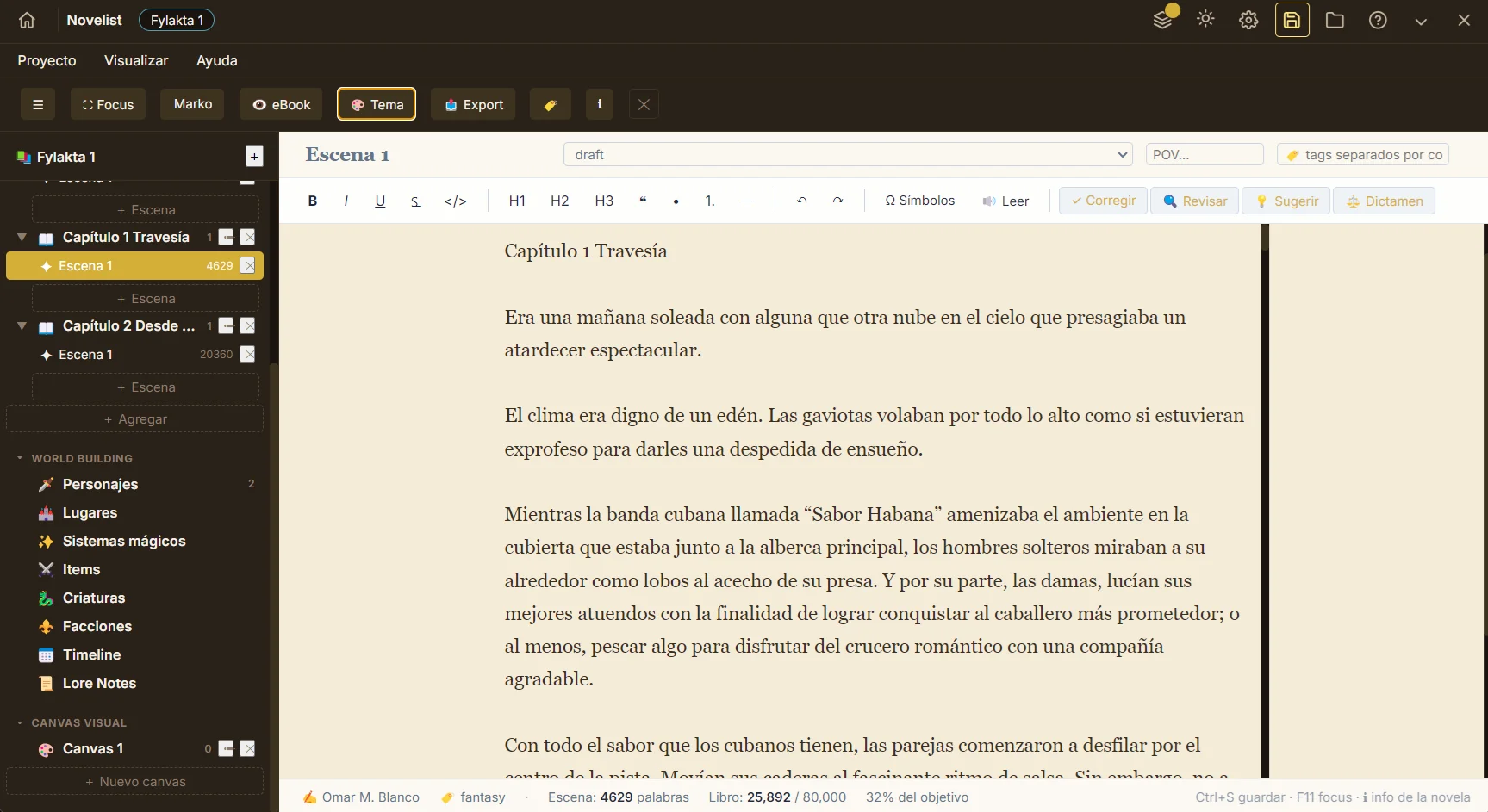
Xolo, EpigraphIA's narrative assistant — a xoloitzcuintli

Xolo

The storyteller

Writes the prompts, expands ideas, builds worlds and polishes prose. His pen runs on the text models you connect.

Best with OpenAI · Anthropic · Gemini
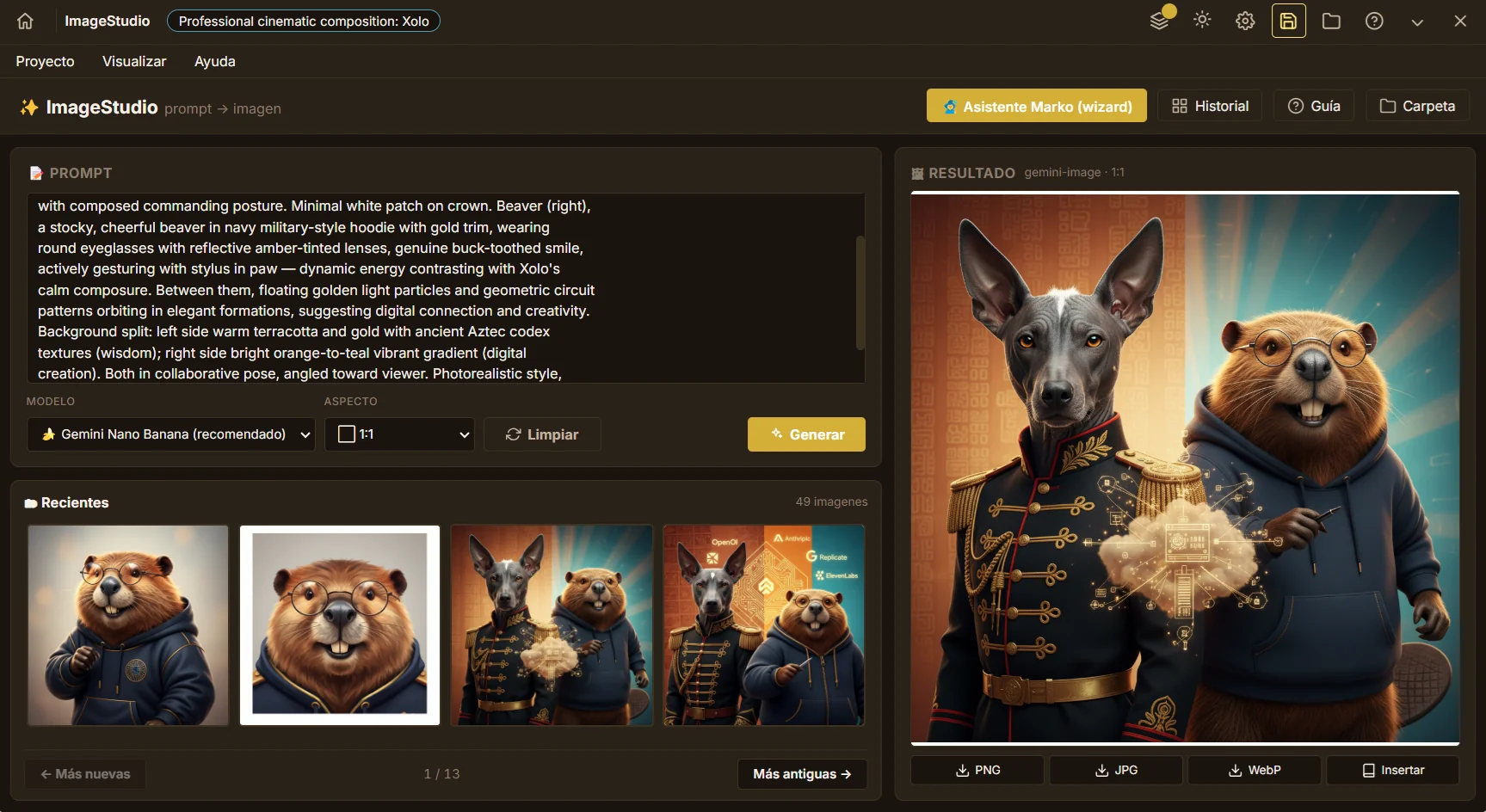
Beaver, EpigraphIA's visual assistant — a beaver

Beaver

The visual craftsman

Turns prompts into illustrations, character portraits, covers and vectors. His chisel runs on the image models you connect.

Best with Gemini Nano Banana · FLUX · gpt-image-1

The illustrations of Xolo and Beaver you see above were generated with EpigraphIA's own Image Studio — using Gemini. If you like them, you'll be able to create yours the same way.

The AIs that fuel them
OpenAI
GPT-4o · gpt-image-1
Anthropic
Claude
Google
Gemini · Nano Banana
Replicate
FLUX
Pixabay
Stock images
What you get with the app

Why EpigraphIA?

Seven reasons indie creators choose EpigraphIA as their main editorial studio — and stay with it.

BYOK — Your AI, your key

Connect your own API keys. EpigraphIA never acts as a middleman. You pay providers directly, with no markup. Total control over which models you use and when.

One-time purchase

One purchase, free updates. No monthly subscriptions, no hidden fees, zero surprises on your statement.

Total privacy

Your projects, images and manuscripts live on your disk. Zero telemetry. Zero proprietary servers. No daily login or service account required to use the app.

100% KDP-ready

Every export meets Amazon KDP specifications. Trim sizes, spine width, bleed, margins and DPI — all automatic, no surprises when uploading.

More than 10 integrated modules

Share projects, templates, fonts and palettes across modules. What you create in one is available in all the others — no exporting, no re-importing.

Power without complexity

Clean, accessible interface. No steep learning curves. Intuitive from day one — whether you're coming from a design app or publishing your first book.

Commercial license

Everything you create with EpigraphIA is yours and can be sold. Publish it on Amazon KDP, sell it in your own store, use it for client work — no permission needed. The app is built precisely for that.

Your editorial studio, connected

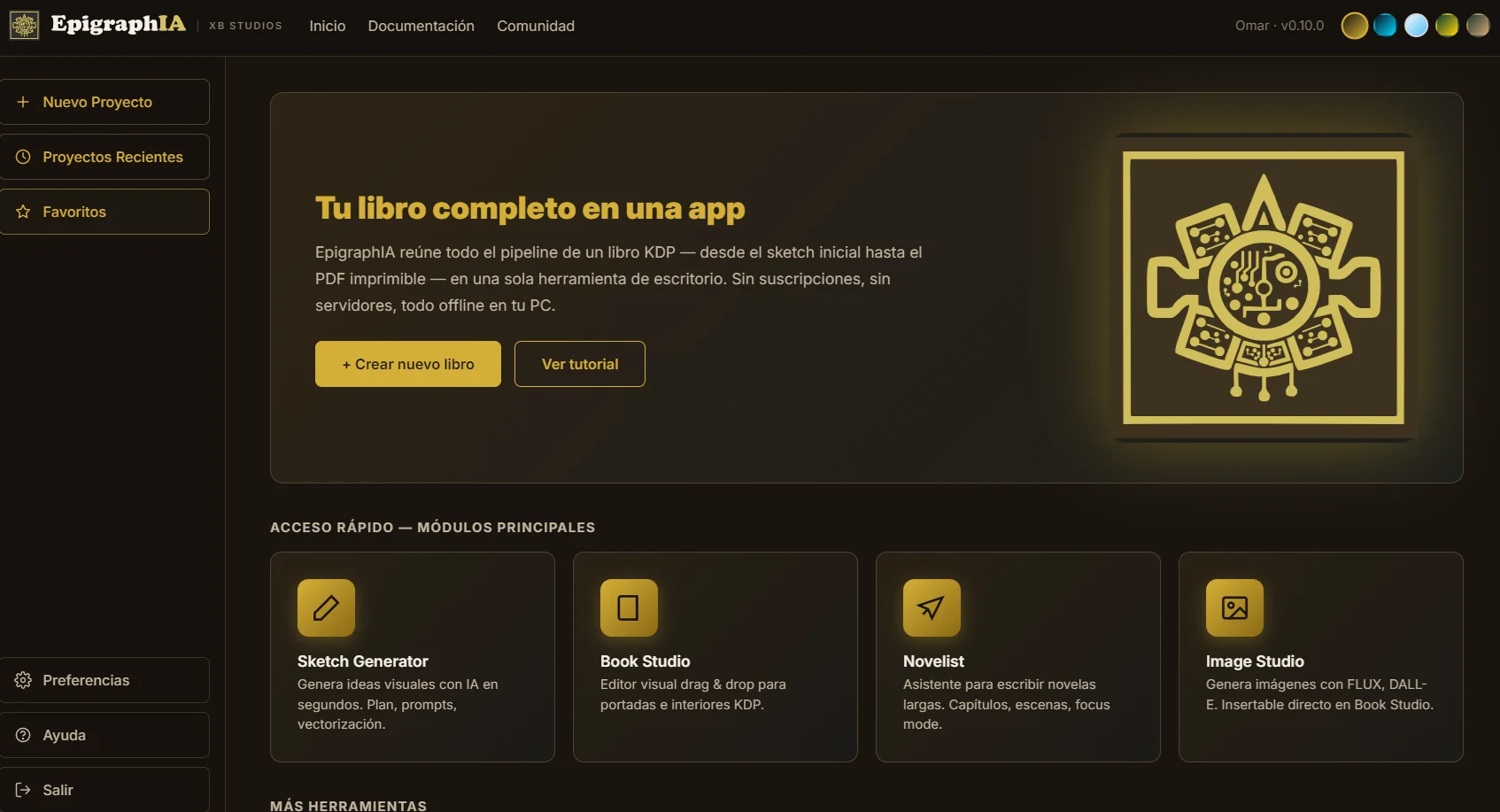
The star modules

They share templates, fonts, palettes and projects. What you create in one appears in the others — no exporting, no re-importing, no consistency drift. All orchestrated from Home, on a single screen.

And the rest of the modules

Colorizer

Colors automatically. Palette variations. Marketing material for social media.

Designer

Editable SVG templates. Planners, journals, low-content trackers.

Vectorizer

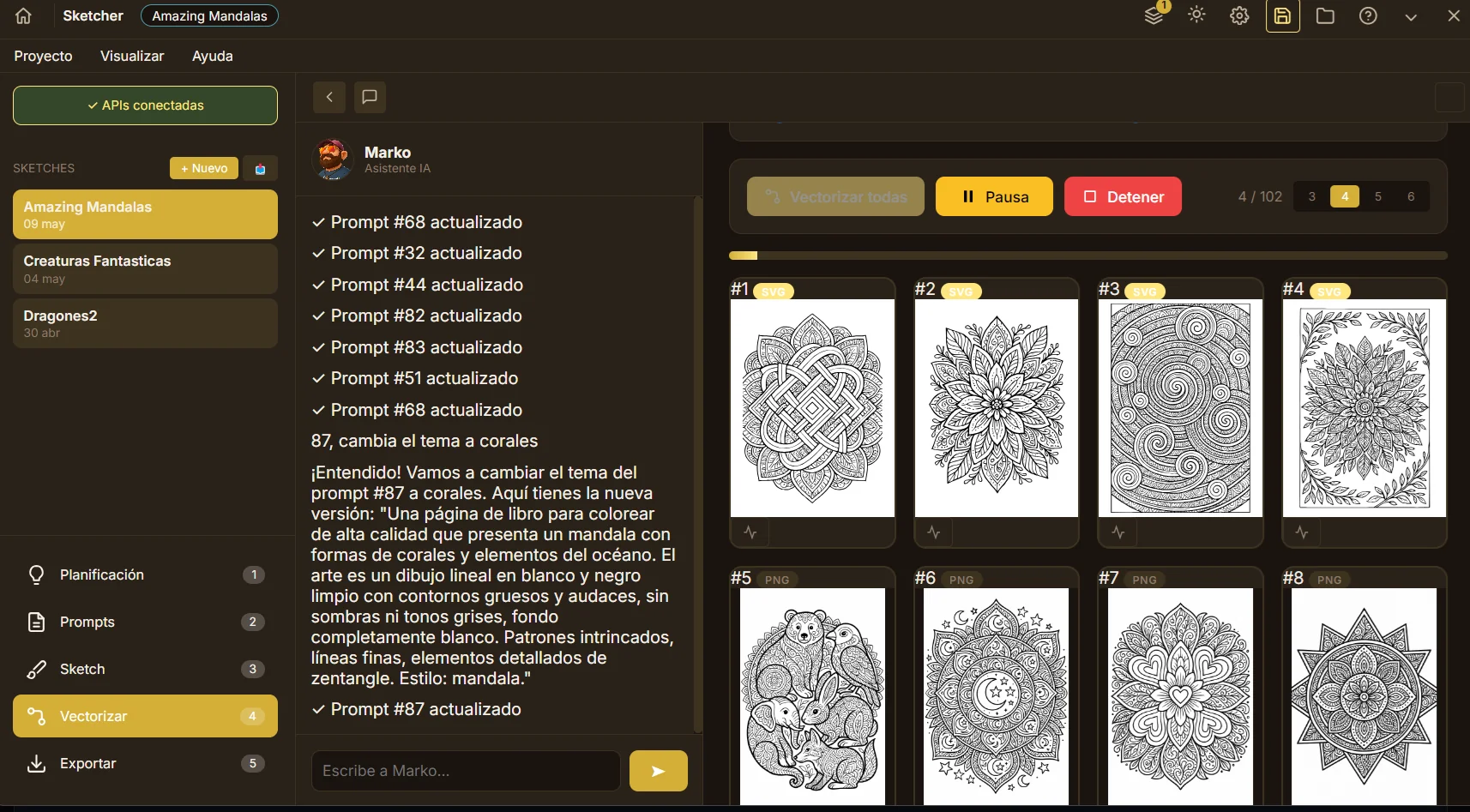
PNG to SVG, locally. Potrace. Zero internet, zero cost.

Puzzler

Word searches, sudokus, crosswords with answer keys.

PhotoLiner

Photos turned into coloring page line art. Your pet, ready to color.

Storybook

Guided pipeline for illustrated children's books.

Hunter

KDP niche research. What sells, where the gaps are.

Promoter

Posts for Instagram, Pinterest, TikTok. Automatic mockups.

Publisher

Step-by-step assistant for Amazon KDP. No auto-publishing.

Exporter

KDP PDF, EPUB, ZIP, individual PNG/SVG, prompt CSV.

From idea to KDP in one afternoon

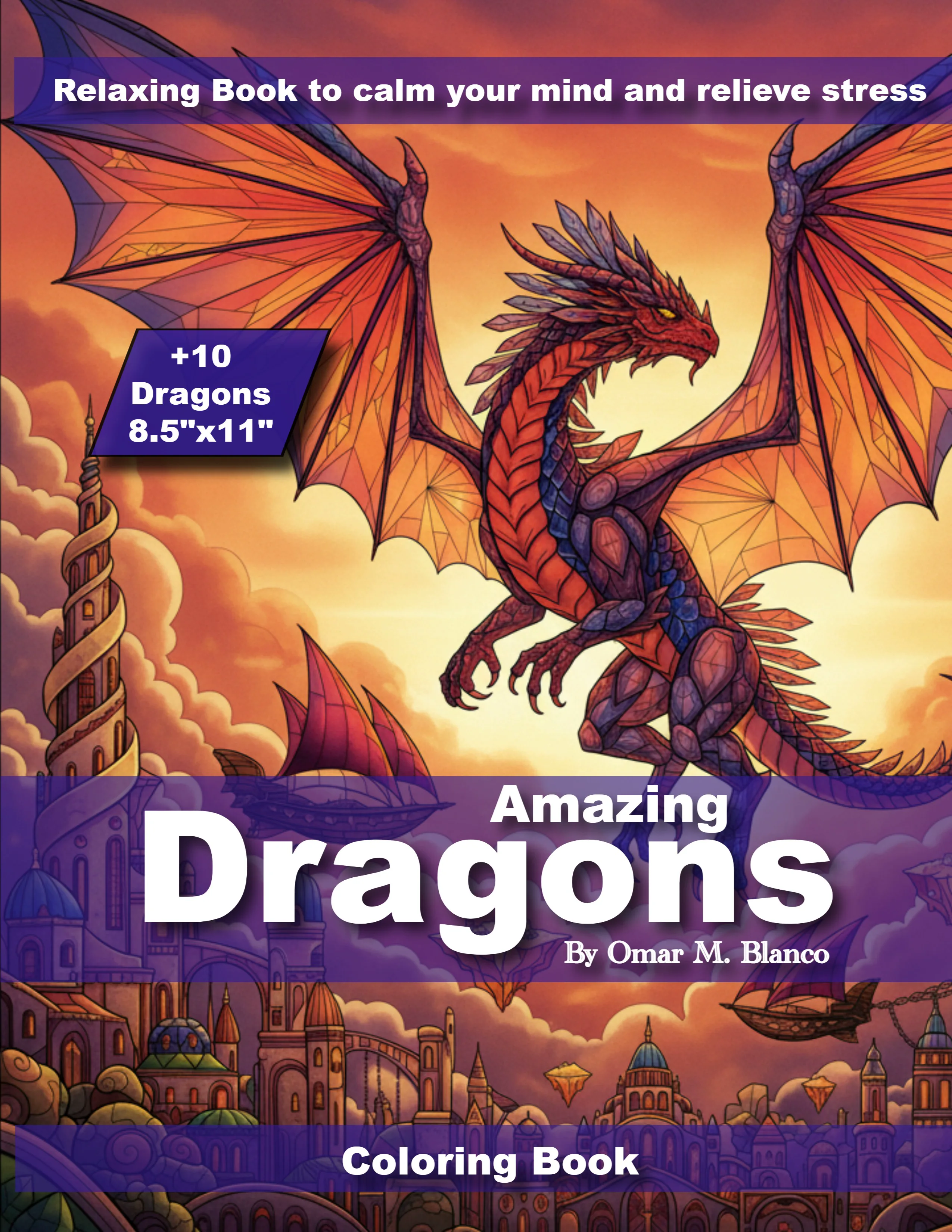
Real case: a 50-page coloring book (8.5×11) for Amazon KDP. Estimated time: 4 hours. With separate tools: 1–2 weeks.

1
Hunter
Find a profitable niche
2
Sketcher
Generate 50 illustrations
3
Vectorizer
Convert to crisp SVGs
4
Book Studio
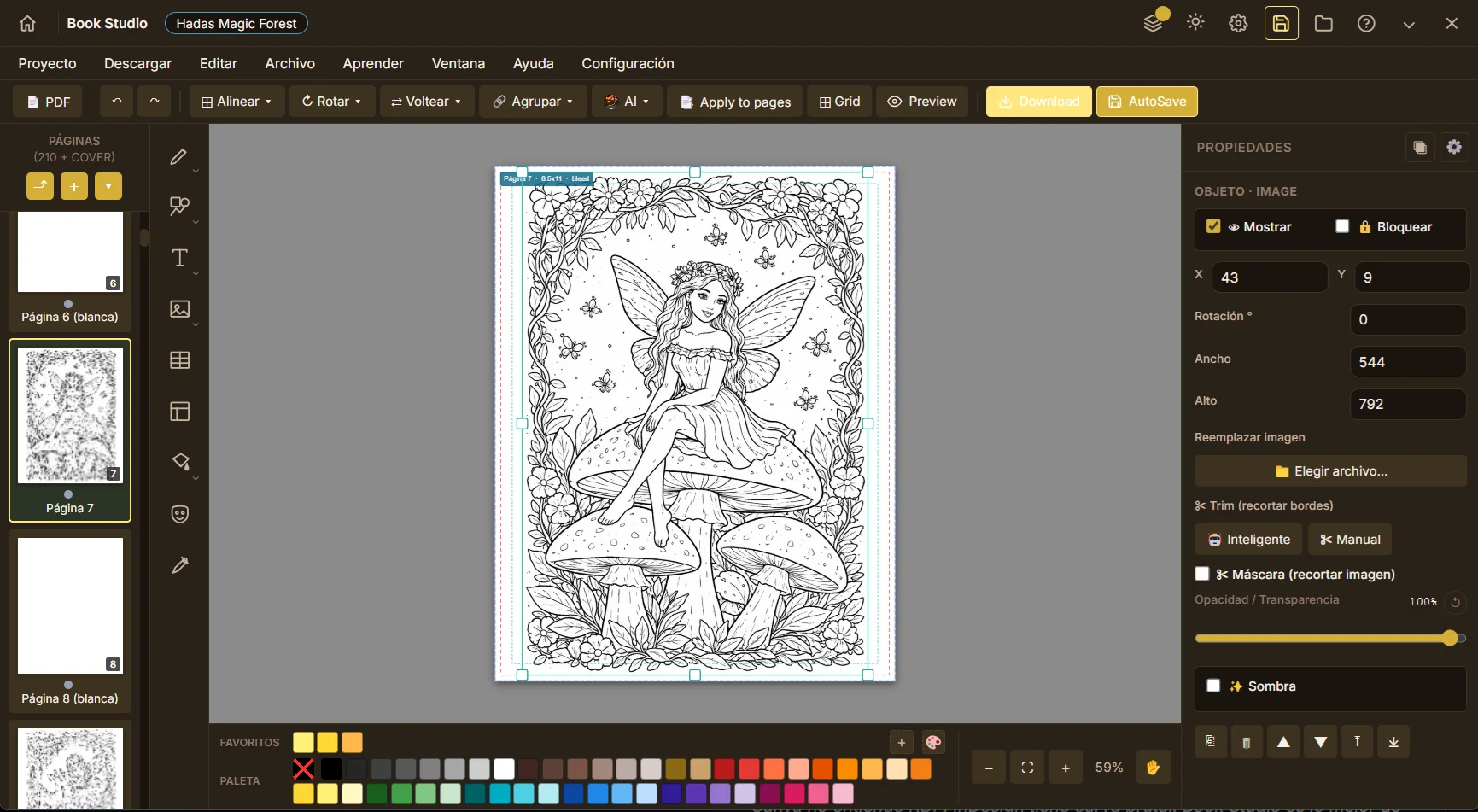
Lay out + cover
5
ImageStudio
Premium hero cover
6
Colorizer
5 illustrations for promo
7
Promoter
Instagram/Pinterest posts
8
Publisher
Prepare KDP metadata
9
Exporter
PDF ready to upload

100% Amazon KDP compatible

13 official trim sizes included
Automatic spine calculation
0.125" bleed, automatic
PDF validator before export
Full-wrap cover calculated
300 DPI minimum on exports

Your privacy is the priority

We don't store your work on servers. Your projects, manuscripts and illustrations live on your PC. Zero telemetry. Zero tracking. No daily login required to use the app. You own everything you create.

Local files

JSON + assets on your disk. Backup-friendly, portable, yours.

Zero servers

No cloud. No sync to Xolo Beaver. We don't even know what you're working on.

Direct APIs

AI calls go straight to OpenAI, Google, etc. We never see your data.

Feature comparison

Why creators are switching to EpigraphIA

An honest look at what each tool does well and what EpigraphIA adds to the editorial workflow. Pricing left aside — you can see that below.

Feature Canva Book Bolt iColoring AI EpigraphIA
Lay out KDP books (interior and cover) basic
AI coloring page generation basic
KDP niche research
Local vectorization (PNG to SVG)
Novel writing with AI writing partner
Bring Your Own Key (your own APIs)
Integrated AI assistants (text + image) basic basic Xolo + Beaver
100% local files / no proprietary servers
More than 10 integrated modules in one app
Commercial license on what you create
No monthly subscription freemium

Simple pricing

Launching soon

Be the first to know

EpigraphIA isn't on sale yet. Drop your email and we'll let you know the moment the app is available — plus you'll get an exclusive launch discount for waiting with us.

No spam. We don't share your email. We only write for the launch and major studio updates.

$169 USD
One-time purchase

Version 0.10.0 in beta. Final price will be confirmed before GA.

Frequently asked

What people ask us

If you can't find your answer here, drop us a line at hello@xbstudios.ca — the team replies within business hours.

What exactly is BYOK?
BYOK stands for Bring Your Own Key. Instead of locking you into a specific AI, EpigraphIA is flexible: you connect the APIs you already use and trust (OpenAI, Anthropic, Google, Replicate, or others you prefer) right inside the app. You choose the power, the combination, and when to activate each one. Those keys are what bring Xolo and Beaver to life — they do the creative work inside the app, leaning on the AI you chose. Keys are stored encrypted locally on your disk and never pass through our servers.
Do I need internet for everything?
No. Only the tools that depend on AI (prompt generation, sketches, premium images, Xolo and Beaver's assistance) need a connection, because they talk to the external APIs you connected. The rest of the studio — book editing and layout, local vectorization with Potrace, novel writing, templates, KDP exports, project organization — runs 100% on your computer because EpigraphIA is a local desktop app. Your files live on your disk, with no cloud in between.
What does it really cost to use?
You buy the app once — no subscription, no monthly fee. Then you add credit to your own API keys with the AI providers you decide to connect, and you pay each one directly for only what you consume. If you don't use AI generation, EpigraphIA's recurring cost is zero.
Do I have to create an account?
Yes — but only once, at purchase, and for good reasons. When you buy EpigraphIA you create a profile with Xolo Beaver Studios, the studio that develops it. That profile delivers your license and install password to your inbox, gives you access to email support when you need it, and lets us tell you when the studio releases new products. It's a brand relationship, not a service account: once the app is installed, EpigraphIA runs 100% locally — no daily login, no cloud sync, no telemetry. Your XBS profile lives in your inbox; your work lives on your disk.
Where do my files live?
On your hard drive, in folders you control. JSON + assets. Backup-friendly, portable, 100% yours. We never touch them.
What if Amazon changes its KDP specs?
Updates are constant — the Xolo Beaver Studios team keeps a close eye on the ecosystem. When Amazon adjusts KDP specs, when better AI models emerge, when the publishing industry evolves, EpigraphIA adapts. Most of the time the new version is ready before you even notice the change. And if you happen to spot something before we do — a spec we missed, a flow that could be smoother — just email support: your feedback and the community's are what keep EpigraphIA sharp for everyone. The update itself is always free.
Will it run on my computer?
Yes, as long as you meet these basics. EpigraphIA is a desktop app that runs on:

· Windows 10 (64-bit) and Windows 11, plus future versions as they ship.
· macOS 11 Big Sur or later — native on Apple Silicon (M1, M2, M3, M4) and also on Intel Macs.

Minimum hardware:
· 8 GB of RAM (16 GB recommended if you work with heavily illustrated books or many projects open at once).
· A modern processor from the last 6-7 years — any Apple Silicon Mac, or a PC with a mid-range Intel Core i5 / AMD Ryzen 5 or better.
· Around 2 GB of disk space for the app, plus whatever you need to store your projects.

Internet is only required when you use AI-powered tools (Sketcher, Image Studio, Xolo and Beaver assistance). The rest of the studio runs 100% offline on your computer.
Can I sell what I create with EpigraphIA?
Yes — and that's exactly what the app is built for. Everything you create with EpigraphIA is yours and carries a commercial-use license: books, illustrations, manuscripts, templates, covers. You publish them on Amazon KDP, sell them on your own store, use them for client work — no permission required from anyone. EpigraphIA is the tool; you are the author, and Xolo Beaver Studios claims no rights over your work.

Before publishing at scale, it's worth reading the terms and conditions of the AI APIs you connected (OpenAI, Anthropic, Google, Replicate). Each provider defines how the outputs they generate can be used commercially, and knowing the rules gives you peace of mind and decision power. Amazon KDP, separately, has asked since 2023 that you disclose whether you used AI — it's a transparency checkbox, not a sales blocker.

This is not legal advice. If your business depends on highly specific copyright rights, consult an intellectual-property attorney.
Is there technical support?
Yes — direct email support from the team. When you buy the app, you become part of the studio family: we read every message and reply within business hours. We're also building full documentation so you can self-serve when you prefer, and a creators' community where you can share books, templates and advice with other EpigraphIA users. You're not alone — behind every license there are real people, ready to help when you need it.